Chatbot
This project was part of my web development studies and involved creating a chatbot capable of saving and retrieving chat history as well as engaging in conversations with users. The chatbot is designed to answer questions about Copenhagen and provide users with relevant information.

Project Overview
The chatbot was developed using PHP, HTML, CSS, JavaScript, MySQL, and GIT. PHP handled the core functionality and logic, HTML structured the user interface, CSS took care of the design, and JavaScript provided interactivity and data handling. MySQL was used to create and manage databases containing information about Copenhagen and user queries. GIT was used for version control and collaboration throughout the development process.
There is also an alternative version of the chatbot that does not use a database. Instead, this version utilizes PHP sessions to temporarily store the chat history, meaning the conversation log is only kept during the active session. When the user closes the browser or the session expires, the history is automatically deleted. This approach simplifies the system by avoiding database queries but has limitations regarding long-term storage and data reuse.
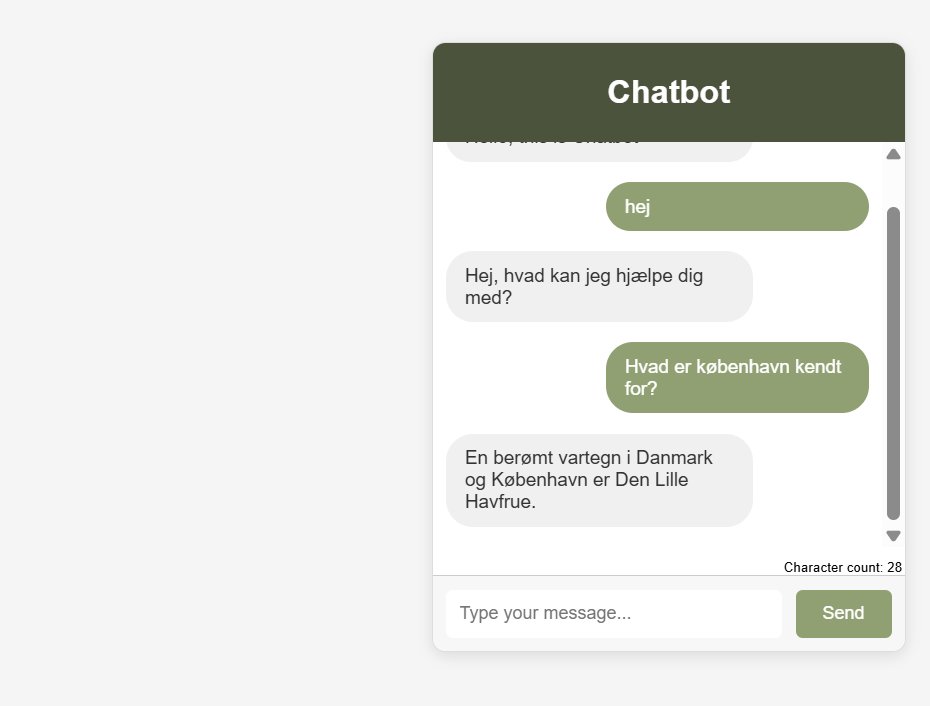
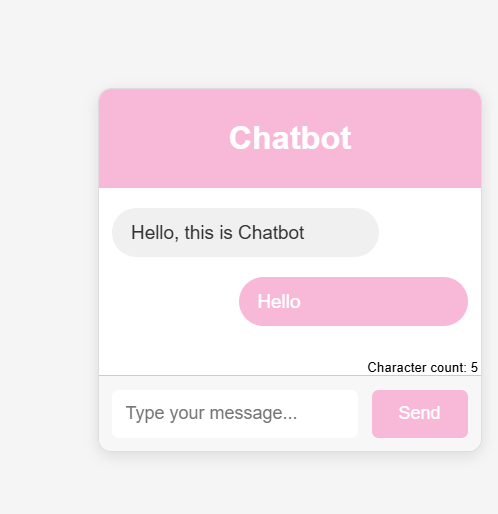
Learning Experience
Throughout the project, I gained practical experience with MySQL database integration and PHP session management, supporting server-side rendering (SSR) by fetching and processing data on the server before displaying it to the user. At the same time, I improved my understanding of client-side rendering (CSR) with JavaScript, enabling dynamic updates to the user interface without reloading the page.
This interplay between PHP and MySQL on the server side and JavaScript on the client side made the chatbot more interactive and user-friendly. Working with GIT also strengthened my skills in version control and teamwork in a development environment.
Technologies Used
- HTML
- CSS
- JS
- PHP
- MYSQL
- GIT